TL;DR
I’m currently trying out Zed, depending on how things go this might replace VSCodium for me. I noticed they wrote their own UI framework named gpui. This is my experience trying out gpui.
Testing out the gpui examples
Adding the gpui dependency to gpui-experiments/Cargo.toml:
[dependencies]
gpui = { git = "https://github.com/zed-industries/zed" }
I’ll upload some screenshots eventually showcasing the included gpui examples.
I’m especially interested in the data_table.rs animation.rs drag_drop.rs gradient.rs input.rs scrollable.rs and text.rs files.
input.rs example
Edits were made!
In the provided example the Reset button was yellow, I made it blue and rounded with white text.
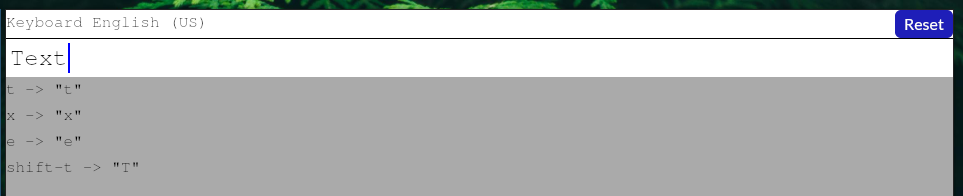
I had to add the unicode-segmentation dependency for this example to work.
gradient.rs example
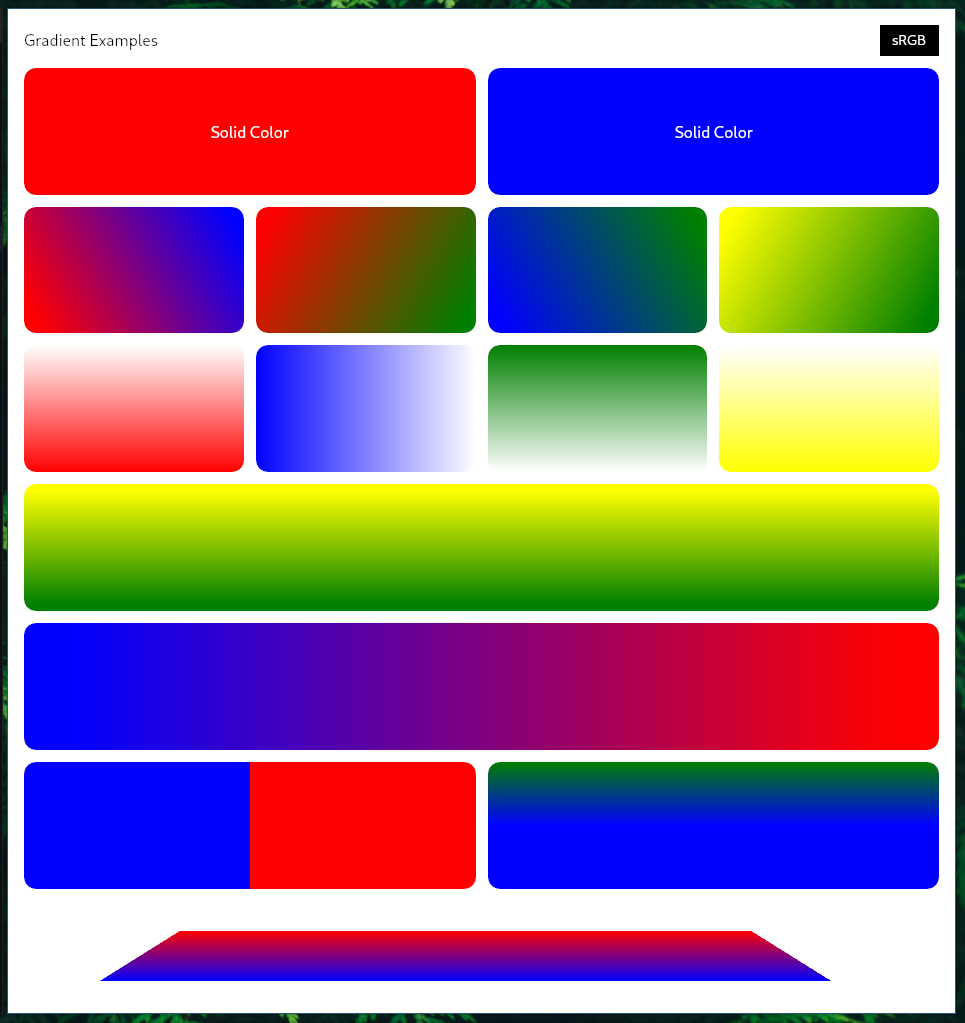
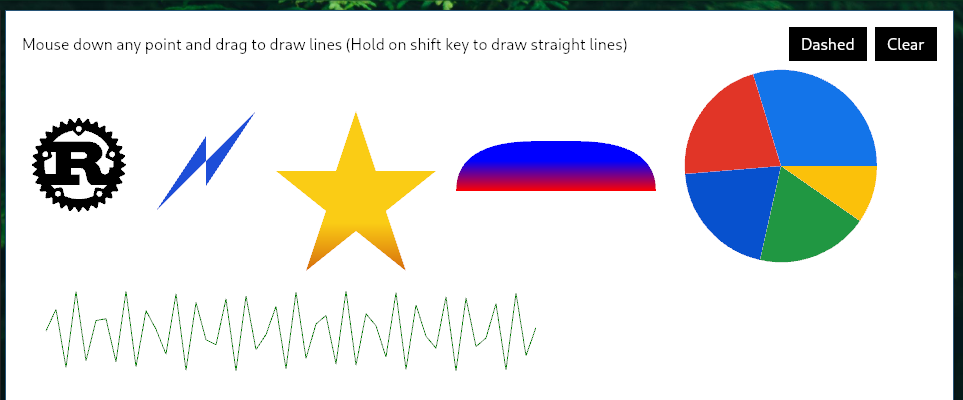
painting.rs example
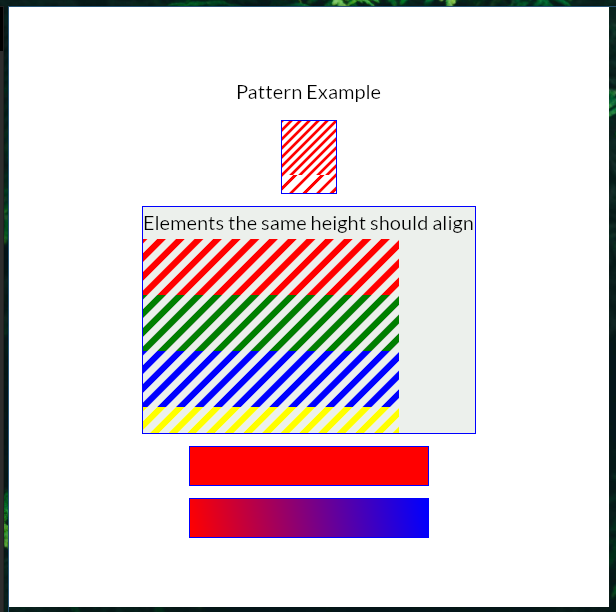
pattern.rs example
drag_drop.rs example
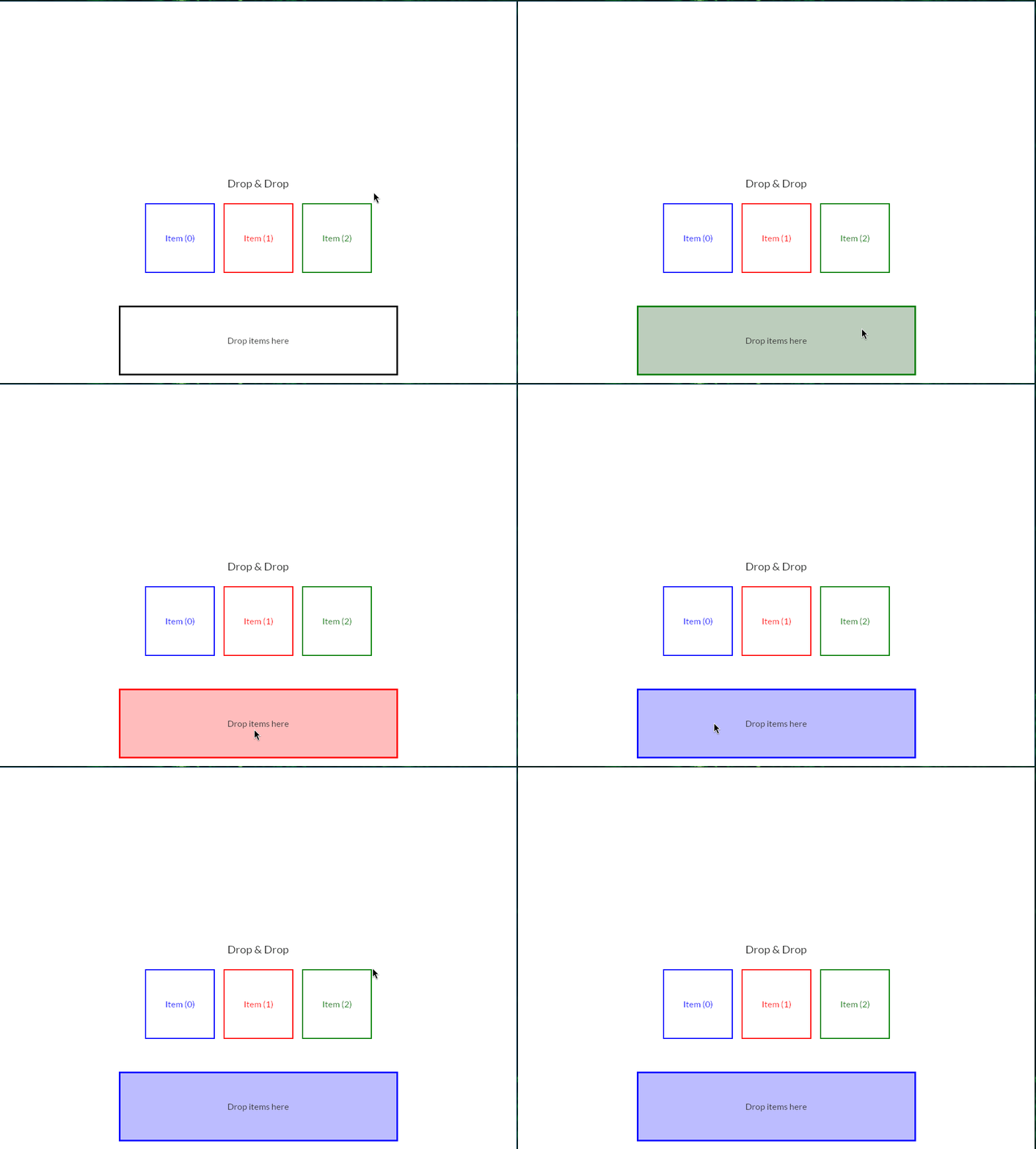
text.rs example
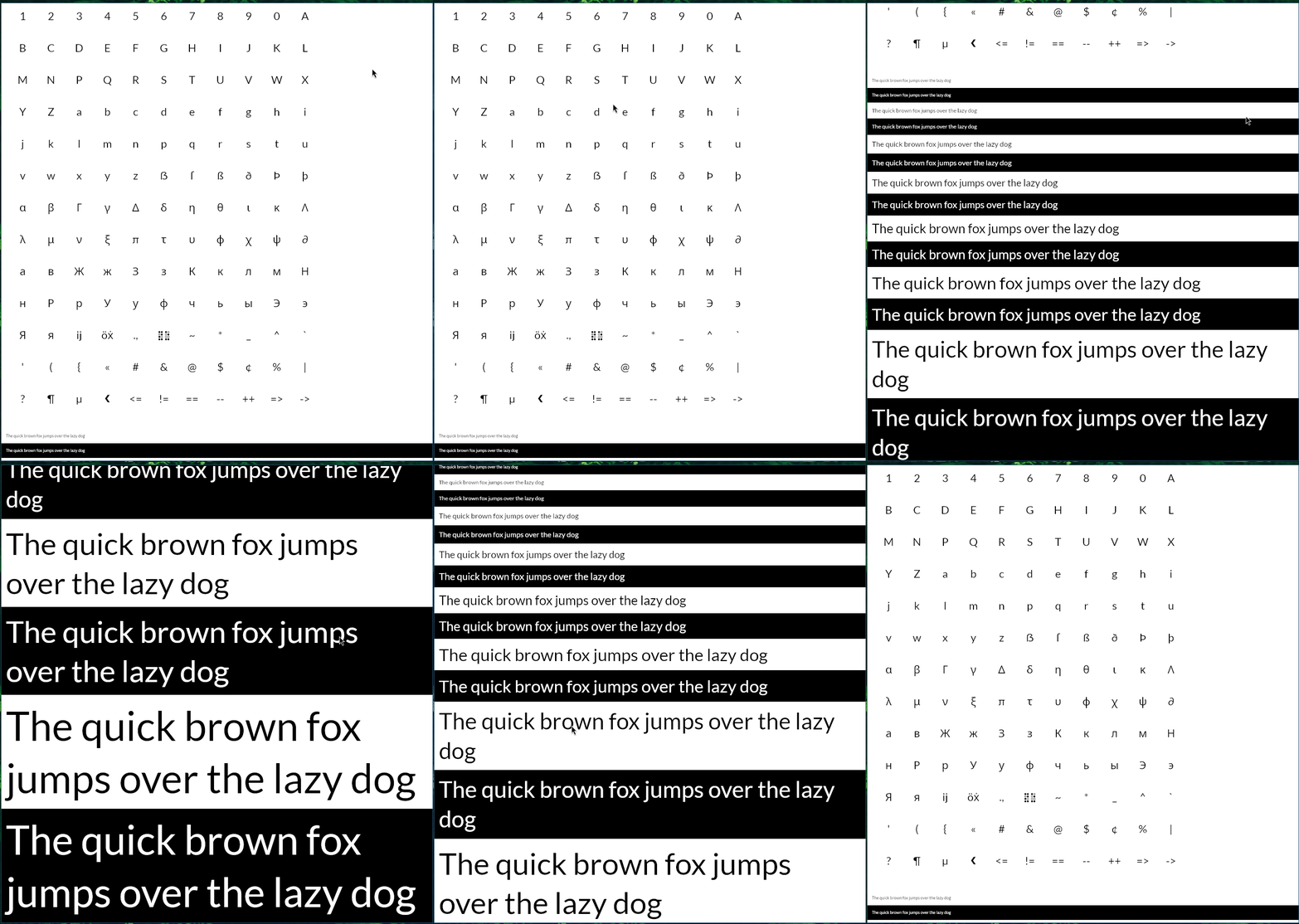
To be continued…
Resources
-
Short python script to convert hex to gpui hsl format:
#!/bin/env python3
import sys
from colorcycle import hex_to_hsl

def to_hsl(hex: str):
    hsl = hex_to_hsl(hex).replace("hsl(", "").replace(")", "").split(", ")
    hue = int(hsl[0]) / 360
    sat = int(hsl[1].replace("%","")) / 100
    light = int(hsl[2].replace("%", "")) / 100
    print(f"""pub const fn COLOR_NAME() -> Hsla {{
    Hsla {{
        h: {hue},
        s: {sat},
        l: {light},
        a: 1.,
    }}
}}""")
    return (hue, sat, light)

if __name__ == "__main__":
    to_hsl(sys.argv[1])